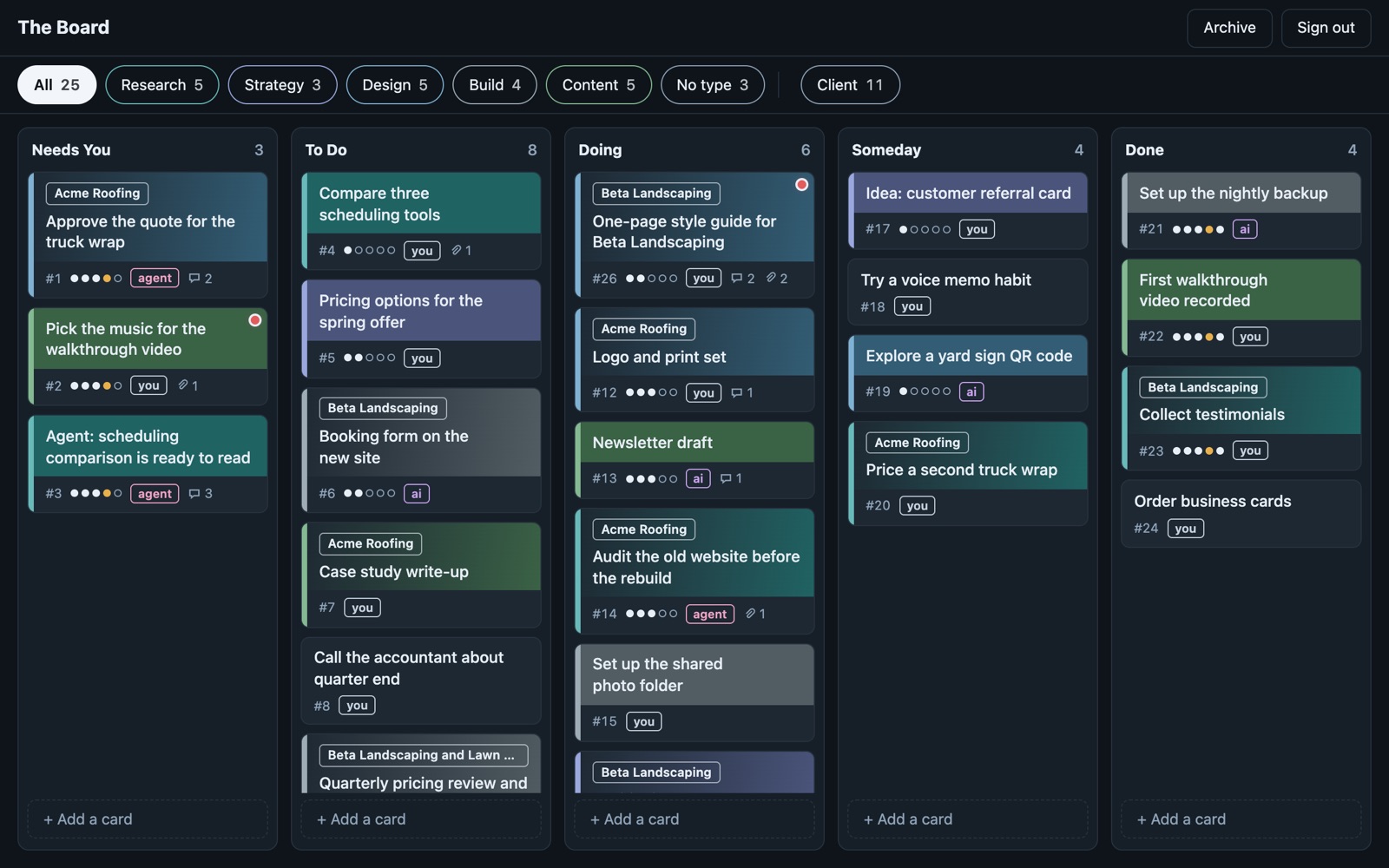
It's a delegation brief. A long, tested set of instructions you paste into your AI.
Your AI reads it, asks about your work, and builds a kanban board on your own computer.
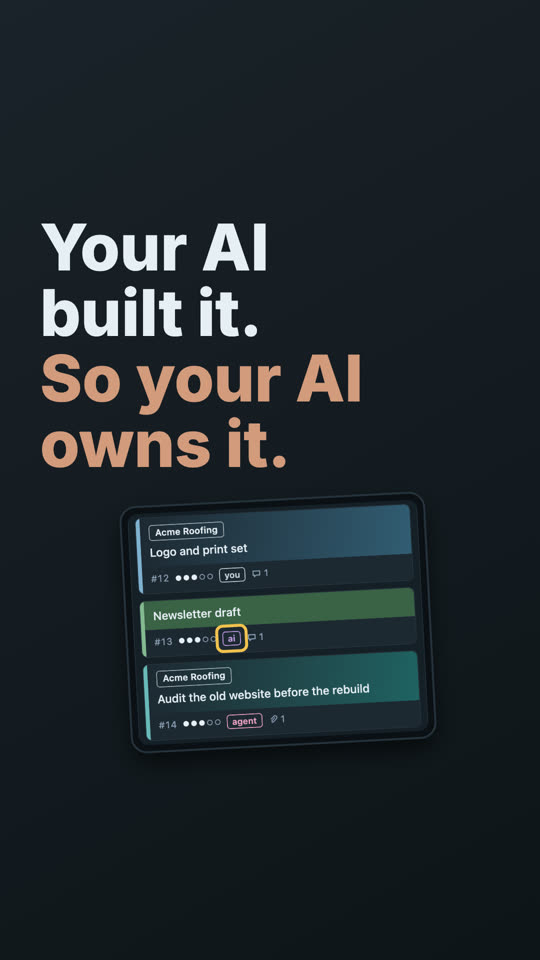
Then you both use it. You add cards and voice notes from your phone. Your AI adds cards, moves them and posts its progress.
Three steps
Paste the delegation brief into your AI
I built it with Claude Code. Any AI that can write files and run code on your computer can follow it.
Answer its seven questions
What you track. Your columns. Clients or projects. The AI tools you use. The computer it runs on. Short answers are fine, and "use the defaults" is fine too.
Your AI builds your board around your work
It shows you a one-page plan first. You say yes, and it builds.
The delegation brief, and everything it builds
- The delegation brief itself. One file you keep, and can run again on another computer.
- Columns and cards. Drag on a computer, tap to open on a phone.
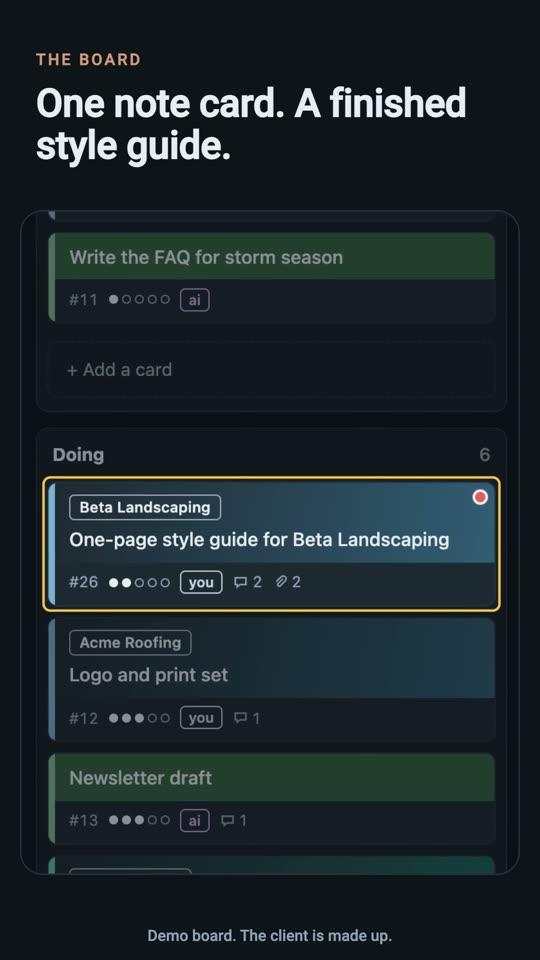
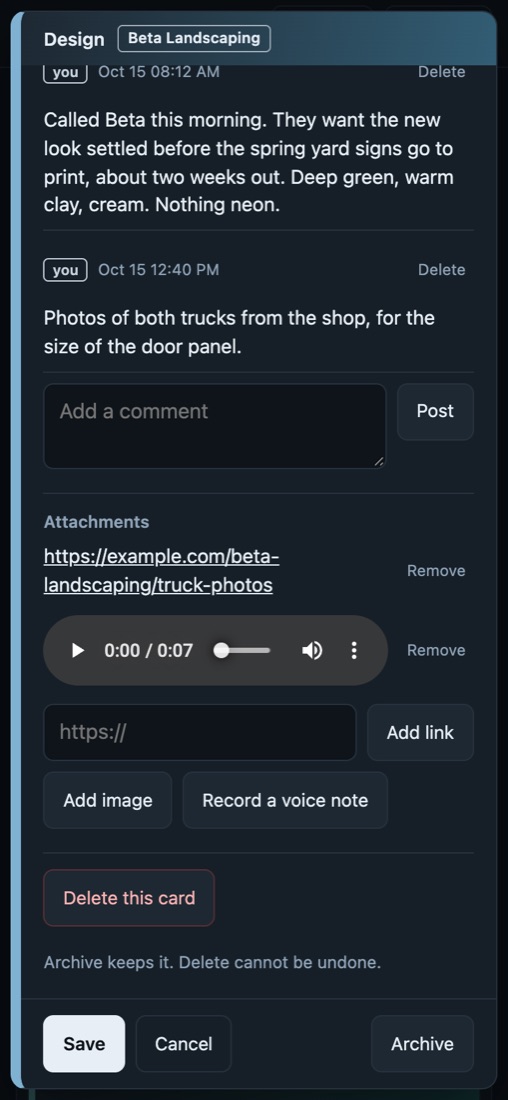
- Notes, comments, photos, links and voice notes right on the card.
- Cards colored by the kind of work, with the client's name when it's for someone.
- A filter bar that pulls up one kind of work, or only client work, in one tap.
- A door for your AI. It reads and writes the same board with its own key.
- A Delegate button that hands a card to your AI agent and brings the result back. Optional, and off until you turn it on.
- A nightly backup.
- Works on a laptop or a Raspberry Pi. The board runs on your own computer.
The Delegate button
This is the part I use the most. I put a job on a card, press Delegate, and my AI agent works on it in the background. When it's done, the result lands back on the card.
It's built carefully. It's off until you turn it on. Only you, signed in, can press it, so your AI can't start more agents on its own. One job per card, a daily limit and a time limit. Card text never runs as a command. And the board checks what actually happened on disk before it calls a job done.
The agent runs with its own permission settings. The delegation brief has your AI tell you to keep them as narrow as the job needs.
Before you buy
Which AI does it work with?
I built and tested it with Claude Code. Any AI that can write files and run code on your computer can follow it. A chat-only AI can't, because there's nowhere for it to build.
Is it a copy of your board?
No. Your AI asks about your work first and builds around your answers. Two people who buy it end up with two different boards.
Do I need to know how to code?
No. Your AI writes the code. You answer its questions, look over its plan and say yes. Then it gives you a few one-time steps of your own, like setting up your phone and turning on the nightly backup, with the exact taps or the one command to run.
Can I record voice notes on my phone?
Yes, with one catch. A phone will only record over HTTPS. The delegation brief asks how your phone will reach the board before anything is built. Your AI does the setup, and gives you the one-time steps on your phone, like trusting a certificate or turning on a private network.
Can I add notes from anywhere?
Yes, through a private network like Tailscale. The computer the board runs on has to be on and awake. If yours is a laptop that sleeps, the delegation brief helps you choose: keep it open on the days you need it, or run the board on something that stays on.
Does it work on Windows?
The delegation brief has Windows steps in it, but I haven't tested a Windows build yet. The test builds ran on a Mac, and I run my own board on a Raspberry Pi.
How do I get it after I pay?
Pay by card, Apple Pay or Google Pay and you go straight to the download page.
The full delegation brief, ready to paste into your AI. Card, Apple Pay or Google Pay takes you straight to the download.
Buy with card, Apple Pay or Google Pay